What do you need for a professional conference? (and where things often go wrong)
Organizing a conference often seems straightforward. You have a venue, speakers, and a program. But in practice, the difference between an “okay event” and a professional conference almost always comes down to the technical setup. Not because it's so complex, but because it's often taken seriously too late in the process.
In this article, I'll walk you through what you really need—and where things often go wrong in practice.
Sound: the most underestimated element
Most people think first about screens or presentations, but sound is actually the most important part of your conference.
If your audience has to make an effort to understand a speaker, their attention drops immediately. This happens faster than you think, especially in larger rooms or spaces with a lot of echo.
Common mistakes:
- Too few speakers for the size of the room
- The wrong microphone (for example, a handheld mic when someone moves around a lot)
- No adjustment to the acoustics
A good sound system isn't just “loud enough” —it's clear and easy to listen to everywhere in the room.
Visuals: not just visible, but comfortable
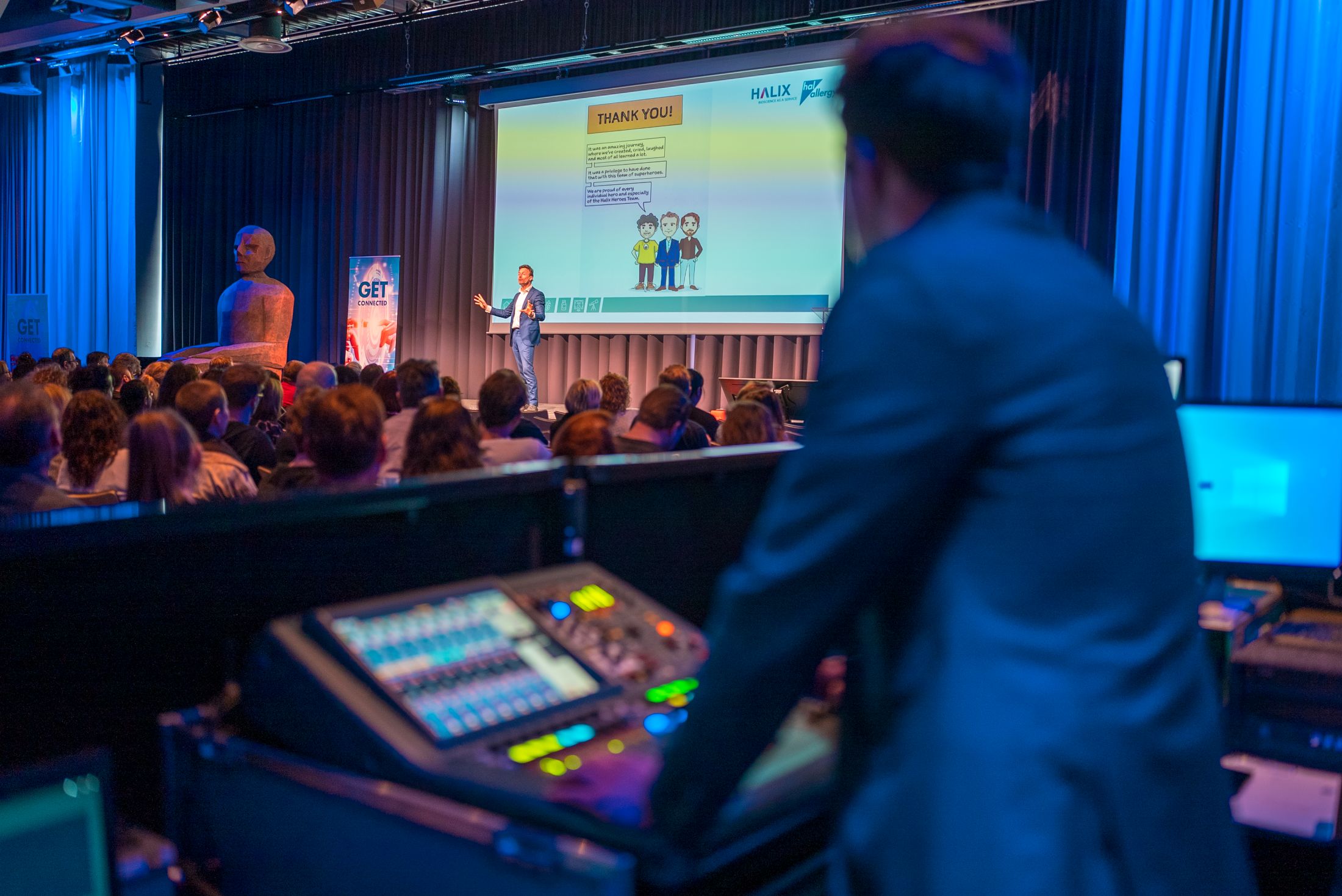
Everyone should be able to follow what's happening, even from the back of the room. That sounds obvious, but it's often underestimated. A screen that's just a bit too small, or a presentation that's hard to read, creates distraction and restlessness.
What matters:
- The right screen size for the space
- Clear visibility, even in daylight
- Speaker support (such as confidence monitors)
The goal is simple: no one should have to make an effort to follow along.
Hybrid events: more than just a camera
Many conferences today are hybrid, meaning part of your audience joins online.
What's often underestimated:
A live stream is not just “a camera at the back of the room.”
Online participants need a completely different experience:
- Varied camera angles
- Clear audio (not just room sound)
- Presentations that are clearly visible on screen
If this isn't done well, online viewers quickly lose interest.
International guests? Plan translation early
For international conferences, there's an extra layer to consider: language. Simultaneous interpretation only works well if the technical setup is right.
That means:
- Proper interpreter booths
- Reliable reception (e.g. via IR systems)
- Good coordination between technicians and interpreters
When everything is set up properly, the audience barely notices it—and that's exactly the point.

The look and feel of your conference shapes the experience
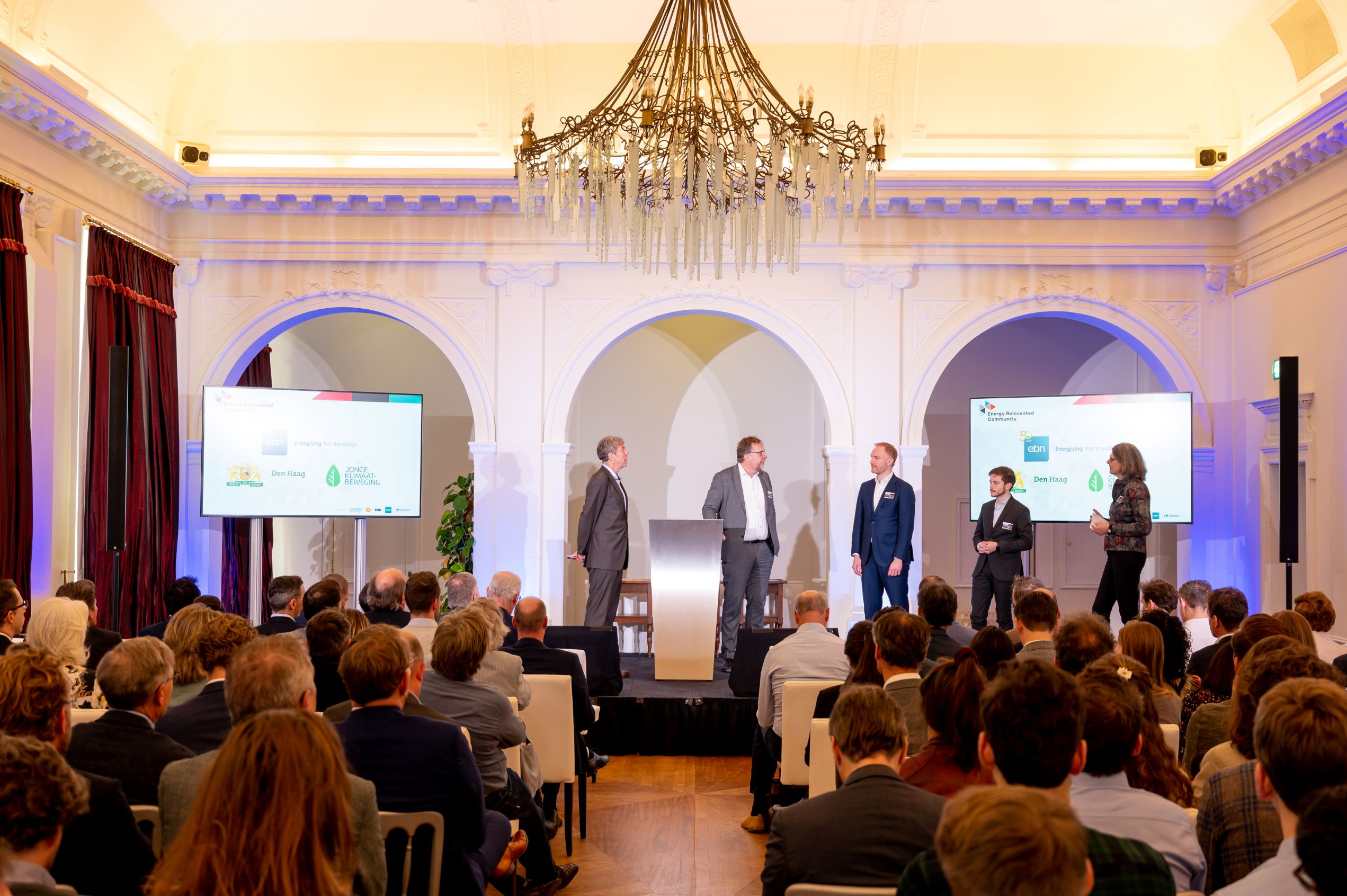
A stage, lighting, and design elements may seem like “extras,” but they strongly influence how professional your conference feels.
A well-designed stage creates:
- Visual calm
- Focus on the speaker
- A clear hierarchy in the space
It doesn't have to be large or spectacular—but it does have to be right.
The real difference is in the preparation
Most problems don't arise during the conference, but in the preparation.
Think of:
- Technical setup discussed too late
- Lack of coordination with the venue
- Unclear program details
Good preparation ensures everything fits together logically—and that during the conference, you don't have to worry about anything.
Finally
A professional conference isn't just about content, but about how that content is delivered.
When sound, visuals, and technology work together seamlessly, it creates a sense of calm. For you as the organizer—but especially for your audience.
And that's exactly where the difference lies between an event that “just goes fine” and a conference that truly feels professional.